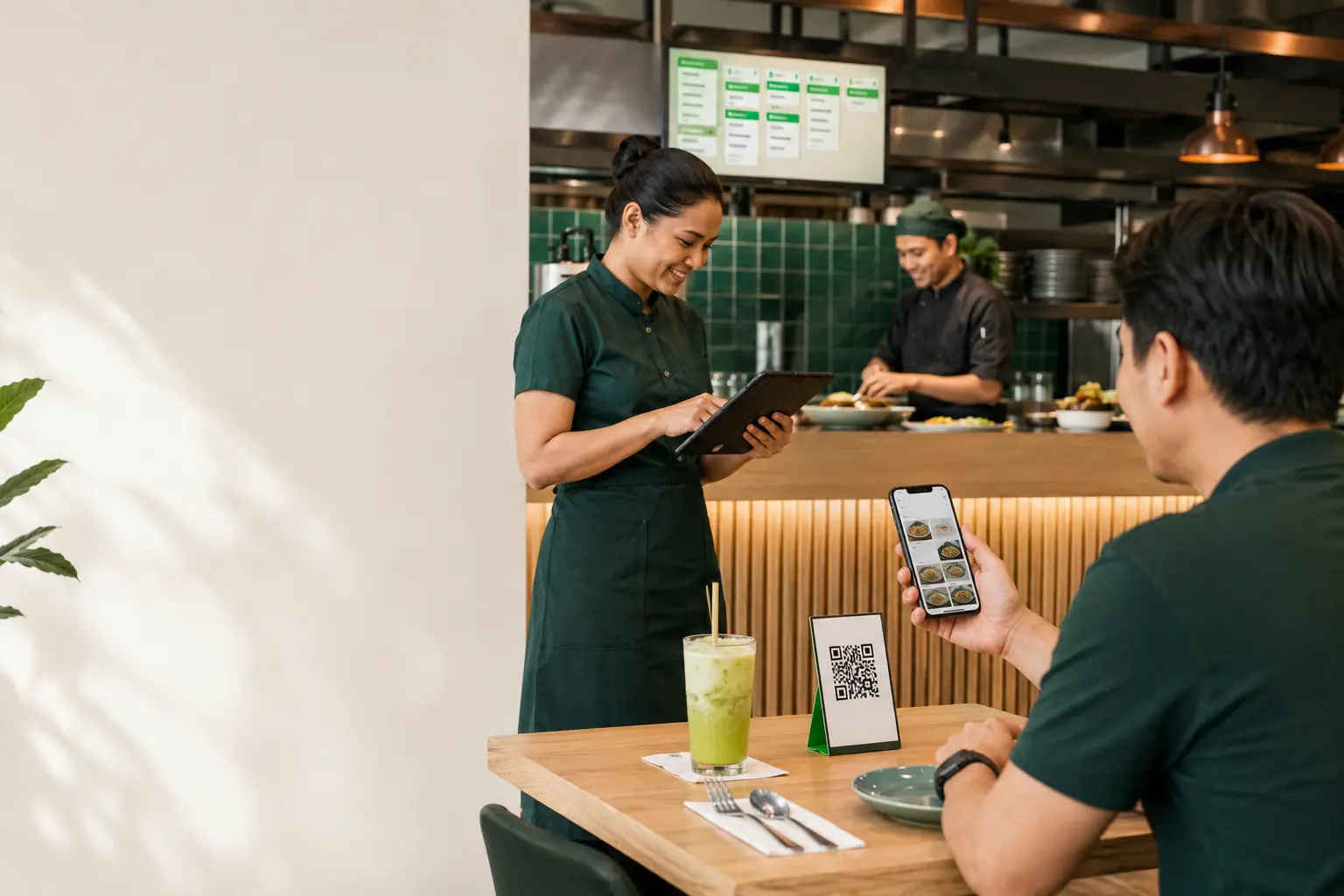
Each step is designed to reduce friction for customers and keep the restaurant team informed.
1. Scan
The customer scans the unique QR code shown at the table or service point.
2. Browse
The digital menu shows items, prices, variants, extras and current availability.
3. Confirm
The customer reviews the order and submits it through the selected order journey.
4. Prepare
Staff receive the order, manage preparation and complete service.
Restaurant setup
Set Up Once, Then Keep the Menu Current
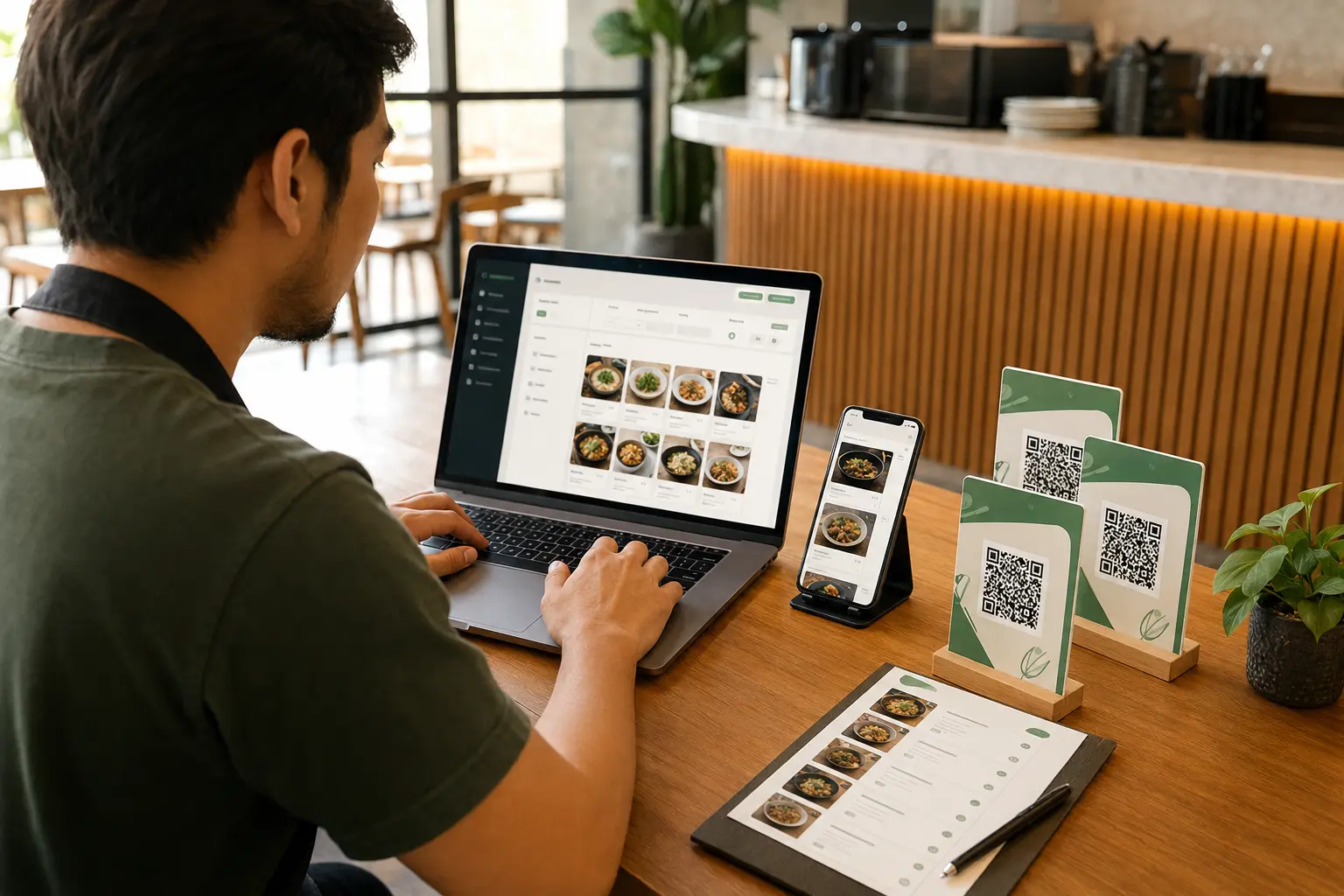
Create the restaurant profile, organise categories and menu items, generate QR codes and place them where customers can scan. Future price or availability changes can be published without replacing the QR code.
Unique QR codes for restaurant tables
Menu variants, extras and availability controls
Live order and kitchen preparation views
Operational reporting and receipt workflows
Ready to Create Your Restaurant QR Menu?
Set up your restaurant profile, publish the menu and test the customer journey before placing QR codes.